
For those who read this blog via RSS or follow me on any of the socials apart from Twitter, you will have noticed that the other night I tried out the new Social Notes feature in the Jetpack plugin from Automattic.
A separate microblog integrated tightly into a blog is going to be really useful thing! Simon Willison just coded one up, Molly White has had one for ages and think that here blog is the gold standard for where things should be headed for this sort of functionality.. There’s the whole Wordland thing going on and The Verge has it’s ‘hot take’ posts on the home page too.
After trying out Jetpack’s Social notes feature I think there’s some real potential here but I ran into a few issues and unexpected behaviours that I wanted to note down:
Unexpected Featured Image Behaviour
When you add a featured image to a social note, you do it inside the post body in a featured image block. This was unexpected?
In most cases in WordPress, featured images are set in the sidebar but in this case, it gets inserted directly into the body of the note?
This to me seems counter intuitive. If you’ve turned off linksharing in the sharing (see later note) in the settings, then the featured image won’t appear on social media in an embeded so it’s redundent. BIT you will see it on your blog.
Post Image Should Go in the Note, Not the Sidebar
Further to that, if you want to post an image that shows up on the social sites, you have to add the image as “attached media” in the sidebar????
That works fine for syndication. But if someone clicks through to the social post on my blog, the image isn’t there – as it’s not embedded as block.
Think about this use case:
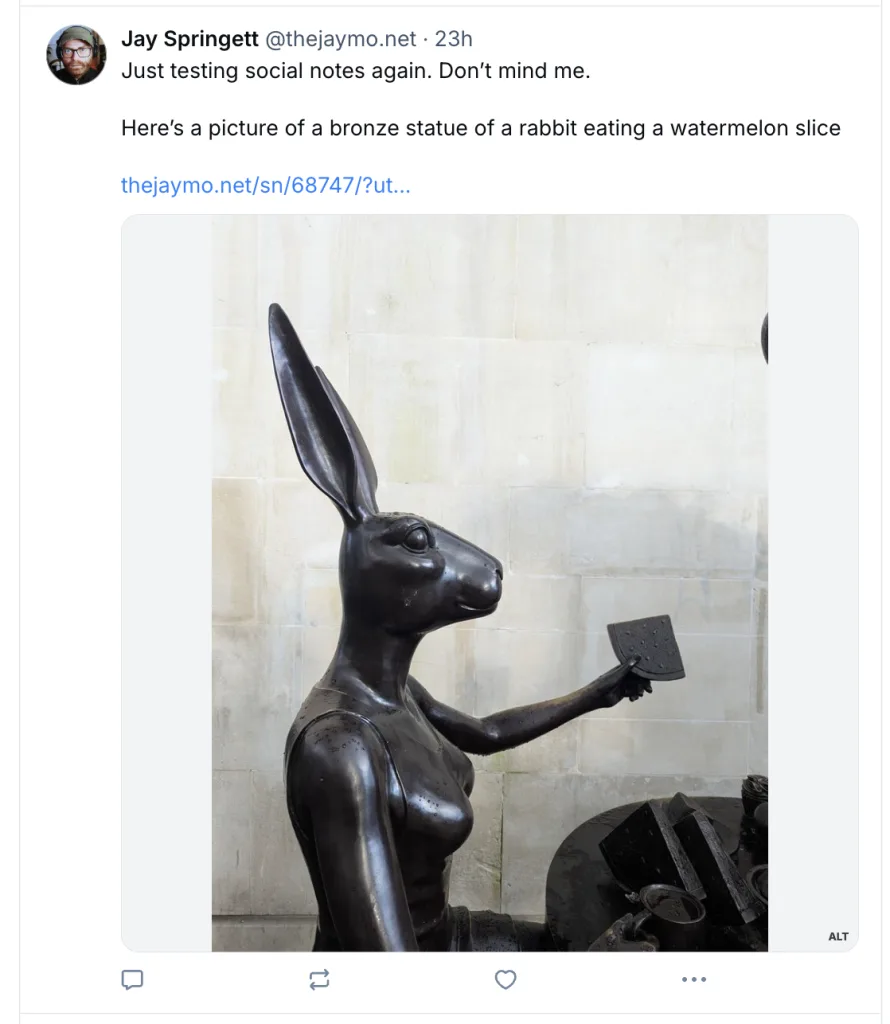
I want to post a photo to BlueSky using Social Notes, I attach the media and write a caption in the body of the social note. I publish it.
The image and the caption appear on social media but the image doesn’t appear in the post on my site??
Example:
The post on Bluesky with image added as an attachement:
What this post looks like on my blog
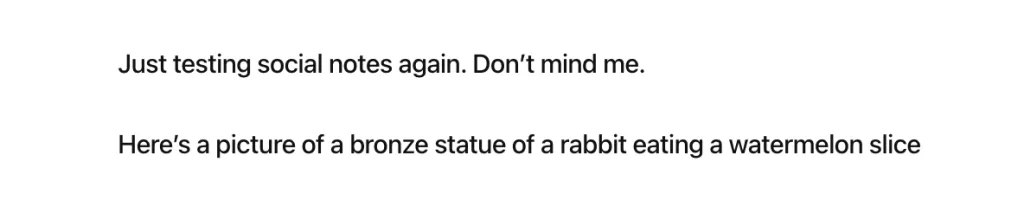
This just feels weird?
I would have expected an image block to go in the body of the post – if you want to share an image on social media.
And then you set the featured image should be set in the sidebar—like how the rest of Gutenberg works.
Unexpected Title Behaviour
Social notes don’t have titles in the traditional WordPress schema–which makes sense. This used to be a problem but in 2025 most RSS readers can cope with this state of affairs.
Thing is however, the Social Notes post type admin screen does assign titles to them (the first however many characters) of the first sentence of the note:
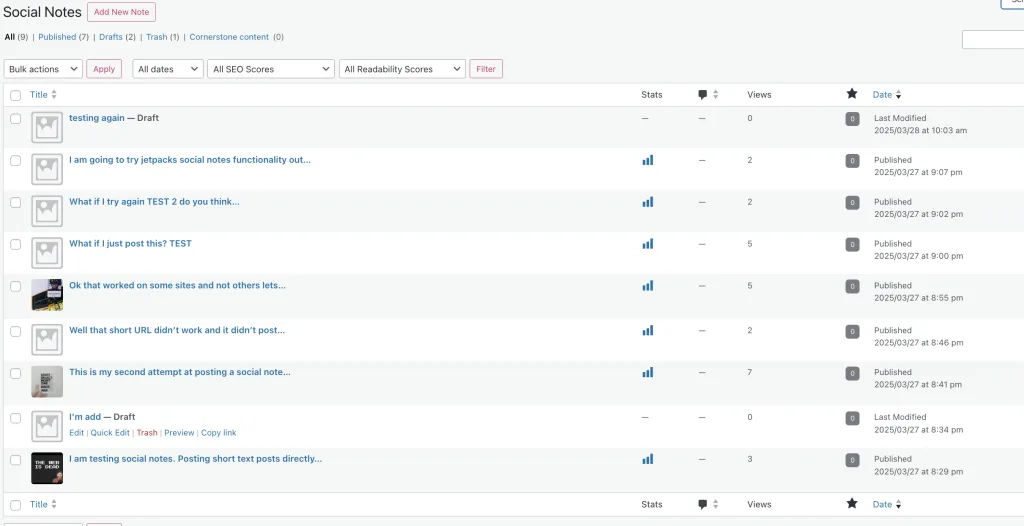
But when Social Notes appear elsewhere in the Jetpack / WordPress UI (like Stats), all the social notes are assigned titles format like #NuMb3rs (untitled).

I think it would be better if they used the first 10–15 characters of the post content instead, maybe with “(Social Note) appended. Just having a bunch of numbers and “untitled” in the stats view isn’t very helpful.
Fallback Social Note Titles in RSS
I used some code I found on Reddit to put the social notes into my sites main RSS feed. But I didn’t like how they were styled of coming though in the RSS readers so I got Gemini 2.5 to write me this code snippet that injects “Microblog $date $time’ into the feed:
<?php

/**
 * Filter the post title in RSS feeds to provide a fallback for 'jetpack-social-note' CPTs.
 *
 * This generates a title like "Microblog [Date] [Time]" if the original title is empty for this CPT.
 * This function should be used IN ADDITION TO the function that adds the CPT to the feed query.
 *
 * @param string $title The current post title passed by the filter.
 * @return string The potentially modified post title for the feed.
 */
function thejaymo_filter_social_note_rss_title( $title ) {
    // Ensure we are processing an item within the main loop of a feed request.
    if ( ! is_feed() || ! in_the_loop() ) {
        return $title; // Return original title if not in the feed loop
    }

    // Get the global $post object to access post data like type and date.
    global $post;

    // Check if the current post object exists, is the correct CPT, AND its title is currently empty.
    if ( isset( $post ) && $post->post_type === 'jetpack-social-note' && trim( $title ) === '' ) {

        // Get the formatted date (e.g., "29 Mar 2025"). Adjust 'd M Y' if you prefer a different format.
        // See PHP date format documentation: https://www.php.net/manual/en/function.date.php
        $post_date = get_the_date( 'd M Y', $post );

        // Get the formatted time (e.g., "03:32"). H = 24-hour format, i = minutes with leading zero.
        $post_time = get_the_time( 'H:i', $post );

        // Construct the new title string.
        $new_title = sprintf( 'Microblog %s %s', $post_date, $post_time );

        // Return the newly constructed title.
        return $new_title;
    }

    // If the conditions aren't met (not the right CPT, or title wasn't empty), return the original title.
    return $title;
}
// Add the filter to modify the title specifically for RSS feeds.
add_filter( 'the_title_rss', 'thejaymo_filter_social_note_rss_title' );
Output looks like this when you are using the pretty feeds plugin

I sort of think the ability to give it a default post title appearance should be in the settings.
As you can see in the screenshot further down, posts without titles when combined with yoasts plugin means social notes appear as -thejaymo -thejaymo in the embeds on the socials.
I Was Expecting Short Links to Use My Own Domain?
You can choose to include/attach links to your social note back to your blog when it gets posted on the socials. I tried using both the short URL and the indieweb Permashortcitation settings.
The short URL ended up being a wp.me link, which I wasn’t expecting? and it also appended the UTM source settings that jetpack also applies *after* the short link? which short of defeats the propose of using a URL shorter?
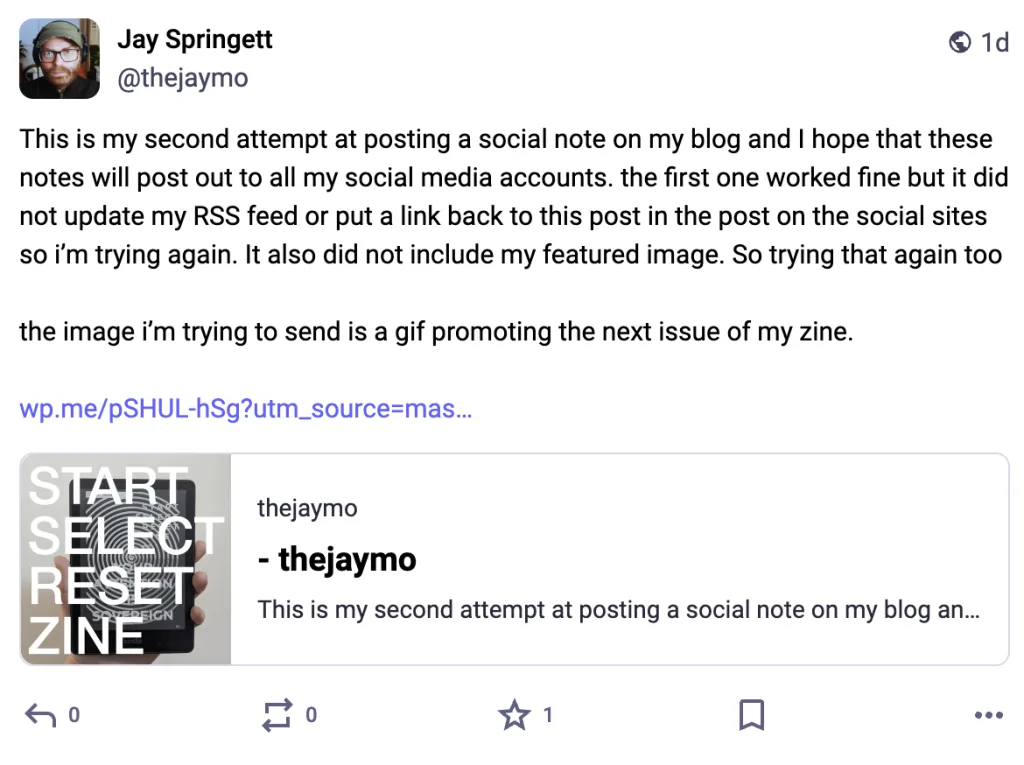
The Permashortcitation link was broken and didn’t link back to my blog at all.
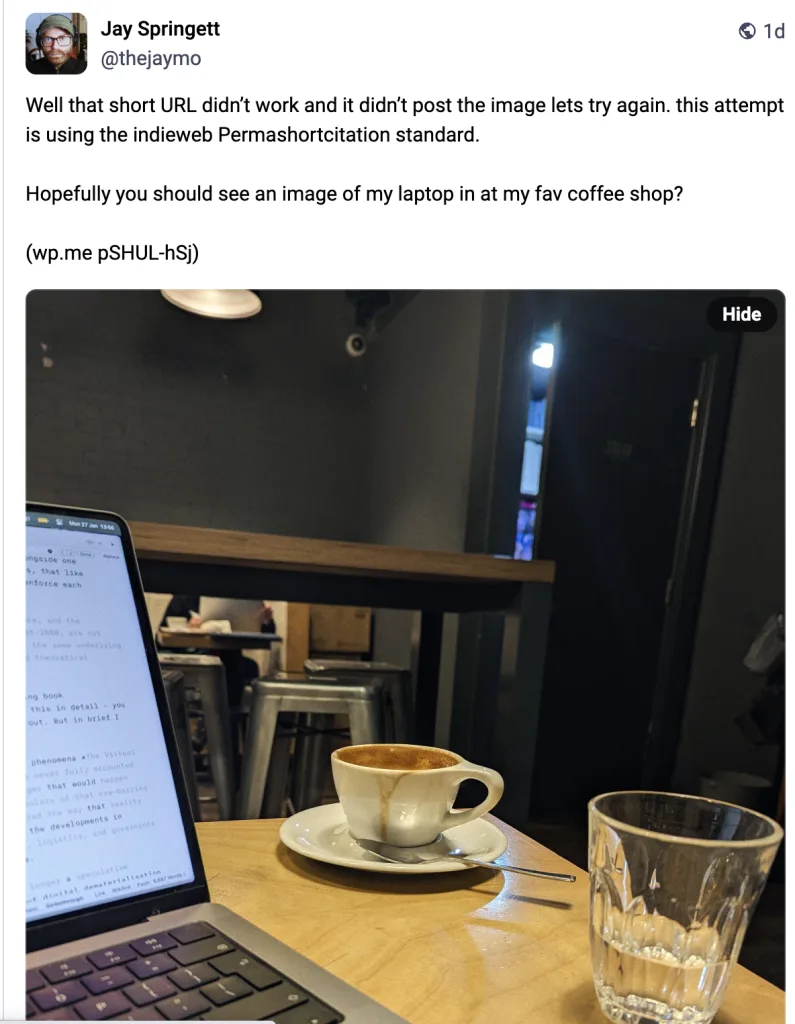
Everything went through wp.me, and that wasn’t clearly indicated in the settings.
The behaviour I was expecting was for Jetpack to generate a shortlink using my own domain—something like thejaymo.net/shortlink—but it didn’t. I don’t know why I thought the Jetpack would do custom link shortening on my blog. But I did!
Author Details Are Weird in the RSS Feed
For various reasons of moving hosts several times over the last 15 years. I have two logins for my blog: a WordPress login and an admin login. I post everything from my admin account, but Jetpack uses my WordPress login for Social Notes, and there’s no way to change the author.
So in the RSS feed it shows my username – rather than my nickname.
I’d prefer it to show my name/nick name on the blog, not the login username.
Need Option to Set a Default Template for Social Notes
Social Notes don’t really work with my blogs theme. They have no titles, and also may or may not have featured images.
It would be useful to set a default layout template just for Social Notes, so they appear differently on my blog from normal single blog posts. Right now, I’m changing the template manually each time before/after publishing.
That’s one extra step to remember, and if this is meant to replace posting on social media, that extra friction isn’t helpful.
UPDATE: 31st Mar 25 Received an email to the blog contact form, from a kind internet stranger who is also experimenting with jetpack social notes with this great tip!
“If you create a template in your theme with the file name single-jetpack-social-note.html (for block themes), then the theme will use that for all your social notes.”
I Should Be Able to Rename the SN URL?
By default, the URL for Social Notes is thejaymo.net/sn/postID. I really don’t like the /sn/ part—SN doesn’t mean anything to anyone!!
The WordPress logic is usually to use full category names in the URL. I’d like to be able to change this to actually something like /Microblog.
For example, Molly White uses /micro/.
At the very least, the URL should use /social-notes/, not /sn/ !!!
This is quite the laundry list of things I think are weird about Jetpack’s Social Notes feature as they are in March 2025. I’m sort of inclined to wait and see if any of these things change.
The main deal breaker for me right now is the weird image behaviour and the post template styling. BUT I think its a great start! Avital step toward getting me to the point where I never have to log into social media ever again.
I think I might keep using them though?
Or I might just start using this notes category more often?